

How to Set Up the Relay MCP Server
Relay's MCP connection lets you use Relay from inside Claude, ChatGPT and other AI apps. Once connected, you can ask the assistant to look up an athlete, build a session, or progress a block, and it makes the change in your Relay account. Setup takes about two minutes and needs no API key.

Introduction#
Relay's MCP connection brings your athletes, programs, and exercise library into Claude and other AI apps. Once it is set up, you can ask an assistant to pull up an athlete's week, build a session, or progress a block, and the change lands in Relay.
No API key, no copying and pasting between tabs. This guide covers connecting the apps people ask about most.
Before you start#
You need a Relay account with coach or owner access. Athlete accounts cannot connect.
Log into Relay in your browser first. If you start the connection while logged out, the sign-in step loses your place and you have to start over.
ChatGPT finds Relay in its plugin directory, so there is nothing to paste there. Everywhere else the address is the same:
https://www.relayathletic.com/api/mcp
Connect to Claude#
- Go to claude.ai, or open the desktop app.
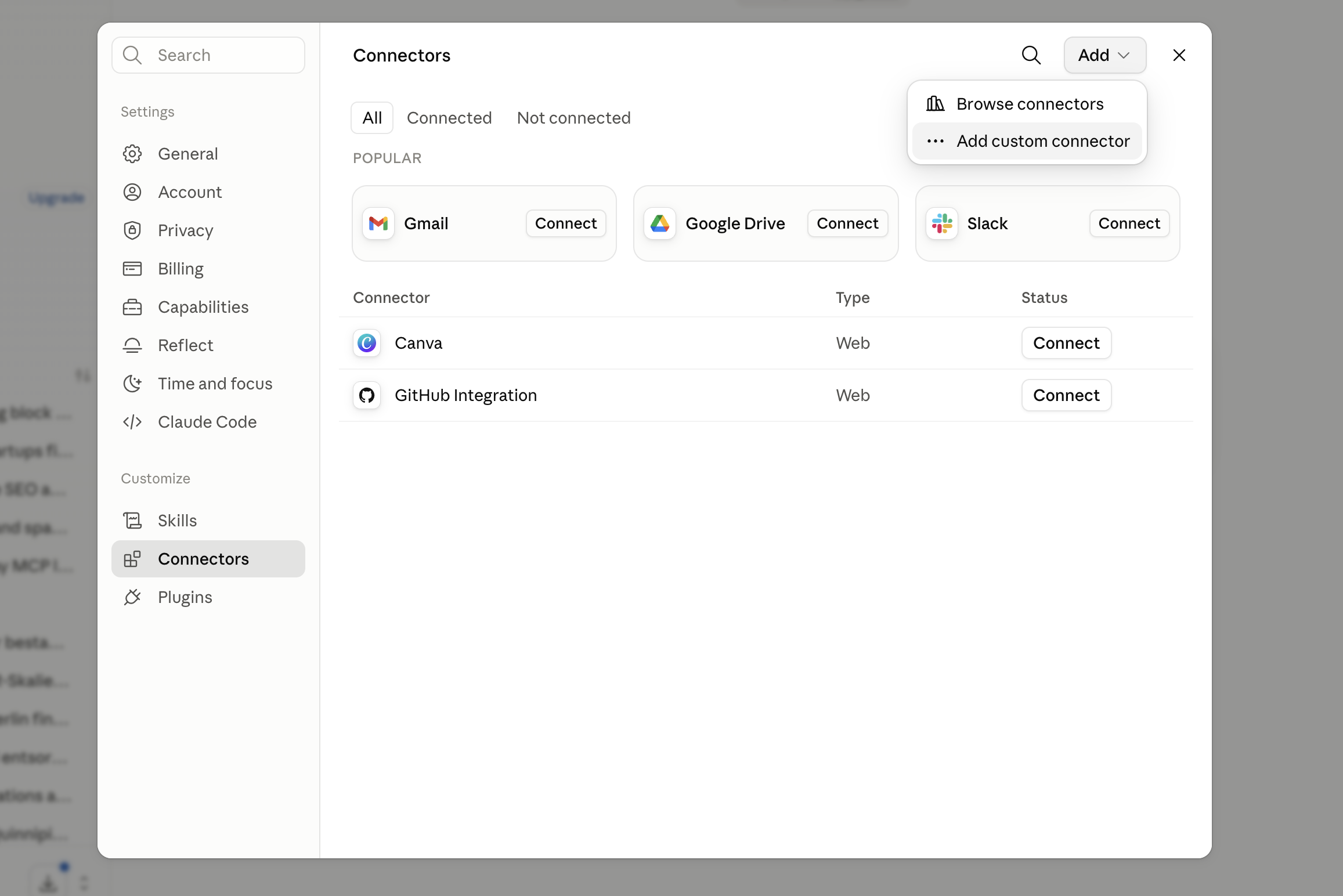
- Select Customize in the sidebar, and choose Connectors. You can also reach it through Settings.
- Click Add, then Add custom connector.
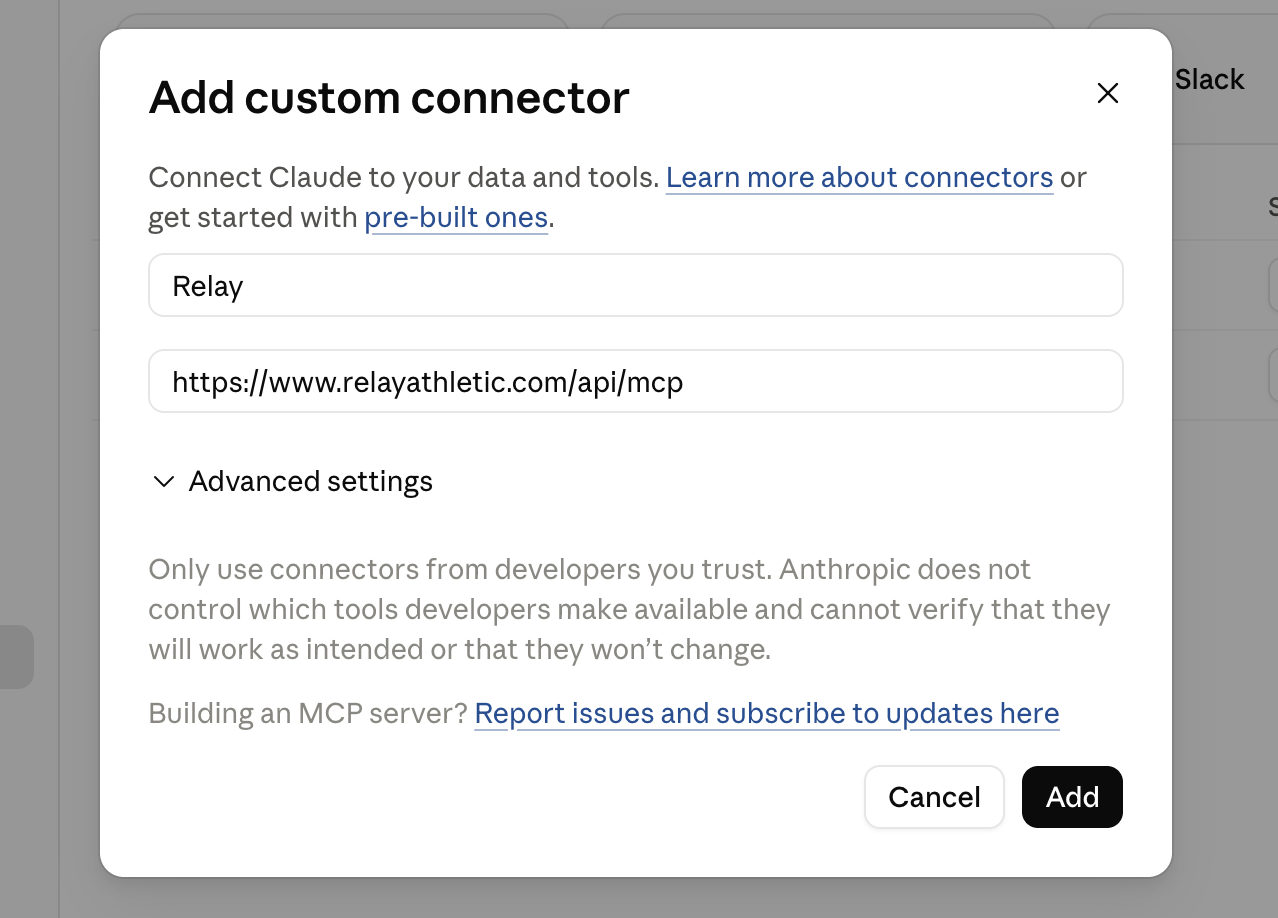
- Enter Relay as the name and
https://www.relayathletic.com/api/mcpas the URL, then click Add.
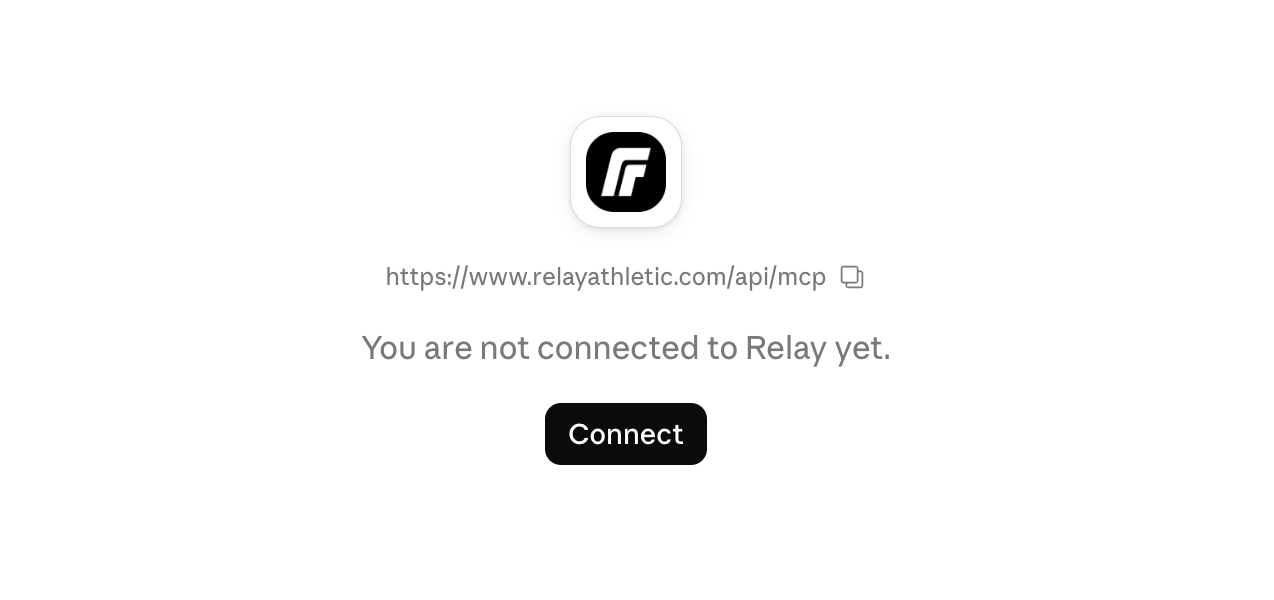
- Relay now appears in your Connectors list. Select Connect and sign in to finish.
Connect to ChatGPT#
Relay is in ChatGPT's plugin directory, so there is no server address to paste and no developer mode to turn on.
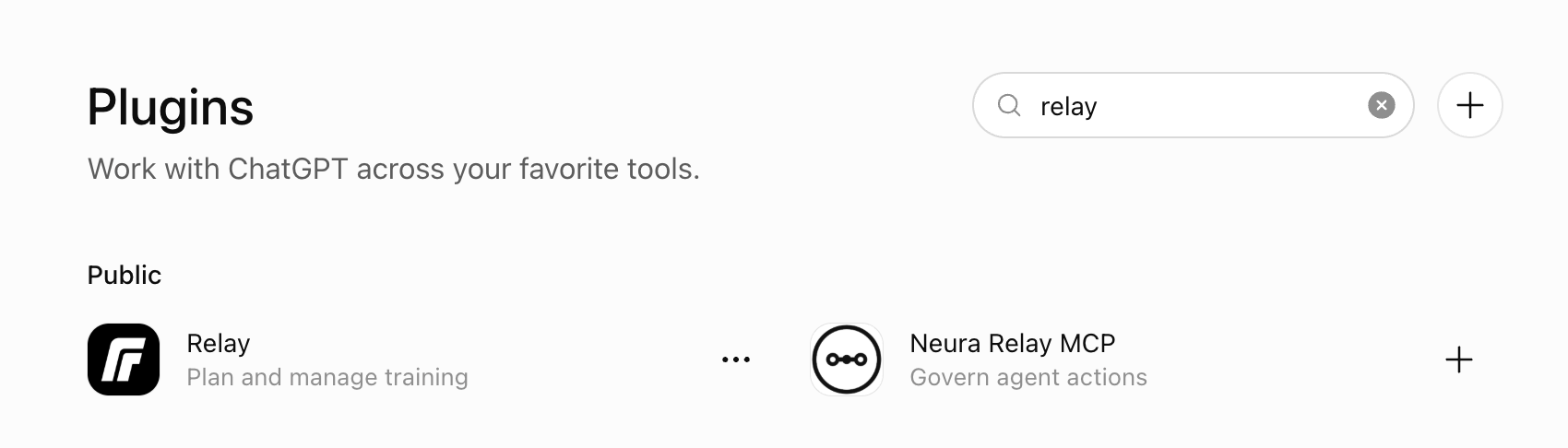
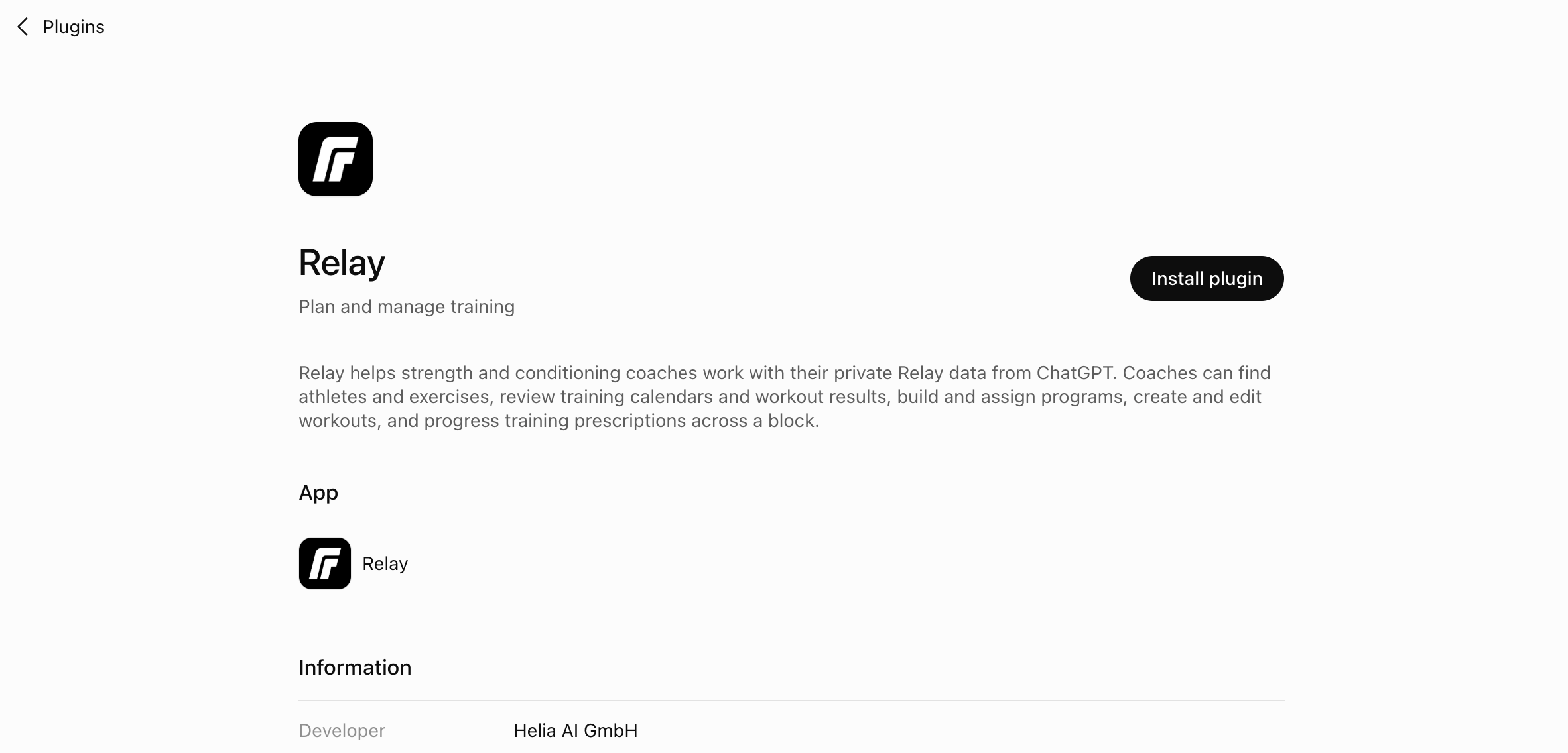
- Open Settings, then Plugins, and search for relay. Ours is the one subtitled Plan and manage training, published by Helia AI GmbH. An unrelated plugin with Relay in its name sits next to it in the results. You can also go straight to the listing.
- Open it and click Install plugin.
-
ChatGPT asks you to connect your account. Click Sign in with Relay and approve access.
-
Start a new chat. A plugin you install part way through a conversation does not apply to that conversation.
From then on Relay is there in every new chat. You can call it by name with @Relay, or pick it from the Tools menu, and ChatGPT will also reach for it on its own when what you are asking for clearly lives in Relay.
If you built Relay as a custom plugin yourself before it was listed, delete that one and install the directory version instead.
Coding agents#
Claude Code
claude mcp add --transport http relay https://www.relayathletic.com/api/mcpThen run /mcp and choose to authenticate.
Codex
codex mcp add relay --url https://www.relayathletic.com/api/mcp
codex mcp login relay
Or add it to ~/.codex/config.toml yourself:
[mcp_servers.relay]
url = "https://www.relayathletic.com/api/mcp"
auth = "oauth"
Either way a browser window opens for you to approve access.
Other apps#
Any app that supports custom MCP connectors will work with the same address. Relay registers itself automatically, so there is never a client ID or secret to fill in.
Test the connection#
First check the connection is live:
Which Relay tools do you have access to?
Then a plain read, so you can see what it reaches without changing anything:
List my athletes.
Once that works, hand over the jobs that would otherwise take an afternoon:
Pull Marco's last eight weeks and build me a progress report I can send him, in my club's colours.
Or attach a research paper to the chat and ask:
Use this study to build a four week program template, with exercises from my library.
Open the result in Relay before an athlete trains it.
We are curious what coaches end up building with this. Send us what you come up with at team@relayathletic.com, and we will write up the use cases worth sharing.
Summarize with AI


Stay up to date
New articles, product news and free resources for coaches.
Keep reading
- How to Make Claude Your Personal S&C Coaching Assistant with Scheduled TasksDaily briefs, readiness triage and next week's programming, handled on a cadence. How to set up Claude scheduled tasks with your Relay connector.
- How Joe took on more clients without changing how he programsJoe Pedulla taught Claude the rules he already coached by, and now handles more clients on the same principles, with the decisions still his.
- How Liam programs over 100 athletes a week at a timeLiam Evans programs week to week for over 100 athletes, with a daily report and a Sunday task that drafts the next week from what each athlete actually did.